
The best PDF scanner app without a subscription. ScanBox helps you scan important documents, crop them automatically, fill them out and sign them – before sending or saving.

Consistently Top 25 in Business apps
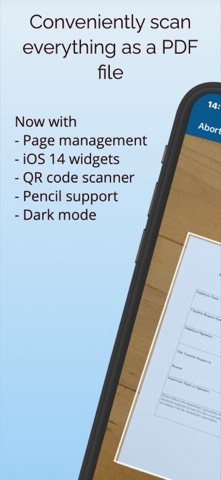
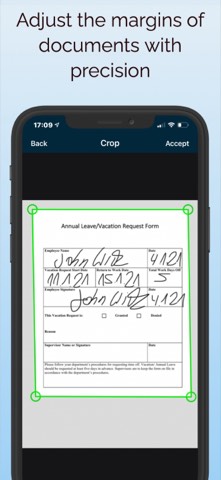
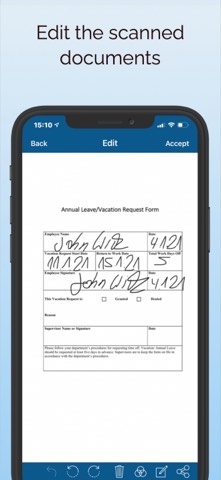
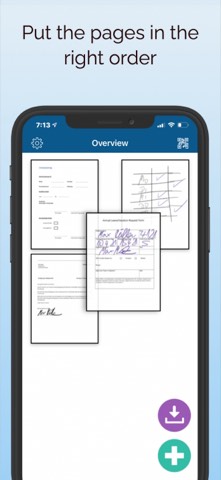
ScanBox crops documents automatically, processes them intelligently, and corrects perspective and distortion. You can also set the crop manually and touch up every scan afterward, so it looks clean and professional. Then print the result as a PDF, send it by email, export it to your photo library, or open it in another app.
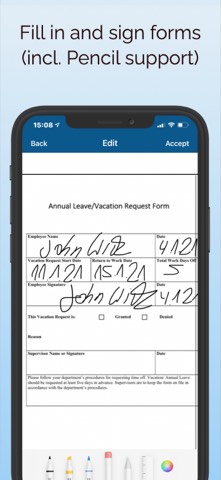
Need to fill out and sign a form? In the past that meant a printer: print, fill in, scan, send. With ScanBox you simply scan the form or grab it from your photo library and fill it in or sign it right on your device. No printer, no scanner needed – on iPad it's even genuinely fun with the Apple Pencil.
From document to finished PDF in four steps.
Scan a document with the camera or import it from Photos or the cloud.
Use automatic image optimization or adjust the crop manually.
Recognize text with OCR, add comments, or sign digitally.
Save as PDF or image, send it on, or print it directly.
ScanBox has all the modern features you need – and skips the bloat you don't.
Buy once, use forever – no subscription trap, no hidden costs.
Automatic perspective correction and cropping, including multi-page documents.
Extract text from scanned documents or images and process it further.
Fill in forms and applications by hand and sign them right on your device.
Enhance scans with automatic optimization, plus optional manual touch-ups.
Encrypt generated PDF files so unauthorized people can't access them.
Full support for Apple Pencil, dark mode, home screen widgets, and quick actions.
Reliably protects the app from unauthorized access.
Read codes in an instant, controllable directly from a home screen widget.
